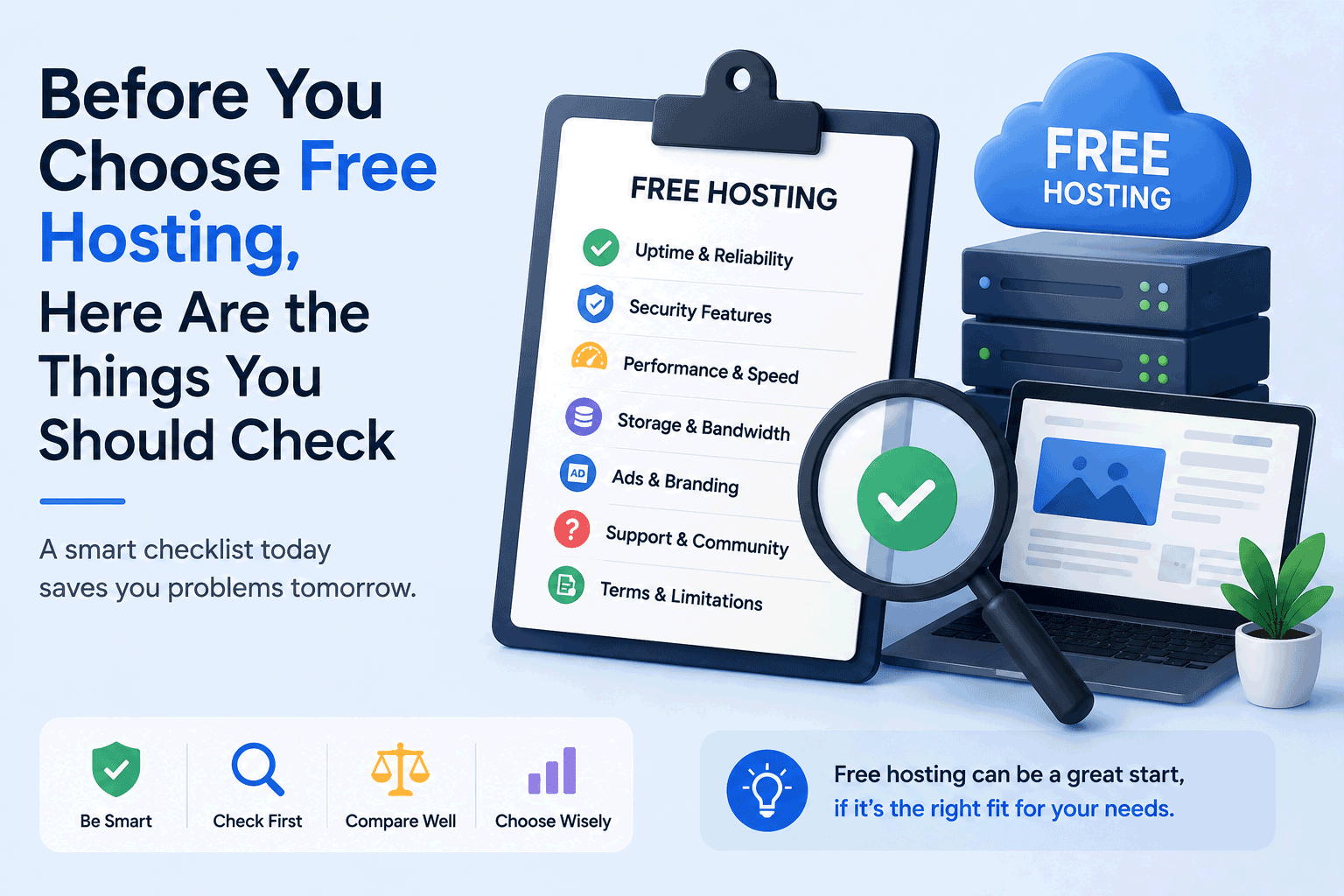
Free hosting can be a great starting point when you want to build a website without spending money first.
It can help you test an idea, learn how websites work, create a small portfolio, publish a student project, or prepare a simple website before moving to a paid plan later. For many beginners, free hosting removes the first barrier and makes it easier to start.
But choosing free hosting should not be done too quickly.
A free plan may look attractive at first, but every hosting service comes with conditions. Some limitations are easy to see. Others only become clear after you start building your website.
That is why it is important to check a few things before you spend your time creating pages, uploading files, installing WordPress, or connecting your domain.
Free hosting can be useful, but the best experience comes when you understand what you are getting before you begin.
1. Check what type of website you want to build
Before comparing free hosting providers, start with your own website purpose.
Are you building a simple HTML website?
Are you creating a WordPress blog?
Are you testing PHP and MySQL?
Are you making a portfolio?
Are you creating a landing page?
Are you trying a website builder?
Are you learning web development?
This matters because not every free hosting platform supports the same type of website.
Some free hosts are good for static websites made with HTML, CSS, and JavaScript. Some are designed for WordPress. Some are better for drag-and-drop website building. Some are more suitable for developers who want Git deployment or command-line workflows.
A platform can be very good for one purpose and not useful for another.
For example, a static hosting platform may be fast and simple, but it will not help if you need WordPress with a database. A website builder may be easy for beginners, but it may feel limited if you want full control over your code.
So before you choose a host, be clear about what you want to build first.
2. Check whether ads will appear on your website
One of the most important things to check is whether the free hosting provider places ads on your website.
Some free hosts support their free plans by showing advertisements, banners, popups, or branded messages on user websites. For a test project, this may not be a big issue. But for a personal brand, portfolio, business page, or professional project, unwanted ads can make the website feel less trustworthy.
Even small branding can affect how visitors see your site.
If you are building something only for practice, ads may be acceptable. But if you want to share your website with clients, employers, customers, or public visitors, you should think carefully.
A free plan with ads may save money, but it may also reduce the professional image of your website.
3. Check custom domain support
A custom domain is your own website address, such as yourname.com or yourbrand.com.
Some free hosting services allow you to connect a custom domain. Others only allow you to use a free subdomain, such as yourname.provider.com.
A free subdomain can be fine for learning or testing. But if you want your website to look more professional, a custom domain is usually better.
Before choosing a free host, check whether custom domain support is included in the free plan or only available after upgrading.
This is especially important if you plan to grow the website later. You may start small today, but if the project becomes more serious, having the option to use your own domain can make the transition much easier.
4. Check storage limits
Storage is the amount of space your website can use for files, images, themes, plugins, videos, documents, and other content.
Many free hosting plans offer limited storage. This may be enough for a small website, but it can become a problem if you upload many images, install large themes, use plugins, or publish media-heavy content.
A simple portfolio may not need much storage. A blog with many images may need more. A WordPress website may use storage faster than expected because themes, plugins, backups, and media files all take space.
Before choosing free hosting, check how much storage is available and whether there are file size limits.
Also consider your future content. Your website may be small today, but it may grow over time.
5. Check bandwidth limits
Bandwidth is related to how much data your website can send to visitors.
If your website has many visitors, large images, videos, downloads, or heavy pages, it may use more bandwidth. Some free hosting providers limit bandwidth monthly. If you exceed the limit, your website may slow down, become temporarily unavailable, or require an upgrade.
For a small test website, bandwidth may not matter much. But if you plan to share your website widely, post it on social media, or use it for a public project, bandwidth becomes more important.
A free plan is not always designed for high traffic.
This does not mean you should avoid free hosting. It simply means you should know the limit before your website receives visitors.
6. Check website speed and performance
Website speed affects the visitor experience.
If a site loads slowly, visitors may leave before reading anything. Speed also matters for usability, especially on mobile devices or slower internet connections.
Free hosting plans may use shared resources, which means many websites are hosted on the same infrastructure. This can sometimes lead to slower performance compared with paid hosting.
Not all free hosting is slow, but performance can vary a lot.
Before choosing a provider, look for real user feedback, test pages if available, and check whether the free plan has performance restrictions. If your website is only for learning, speed may not be your first concern. But if it is for public visitors, speed matters more.
7. Check SSL support
SSL is what allows your website to use HTTPS. It helps secure the connection between your website and visitors.
Today, HTTPS is expected for almost every website. Visitors are more likely to trust a site that shows a secure connection. Browsers may also warn users when a website is not secure.
Many hosting providers include free SSL, but not all free plans offer it in the same way. Some make SSL easy to enable. Others may require extra steps. Some may only provide SSL for their own subdomain and not for custom domains.
Before choosing free hosting, check whether SSL is included and whether it works with the type of domain you plan to use.
For any serious website, SSL should not be ignored.
8. Check database support
If you want to use WordPress, many CMS platforms, forums, or dynamic web applications, you may need a database such as MySQL or MariaDB.
Some free hosting plans include database support. Others do not. Some limit the number of databases, database size, or database access.
This is important because a hosting plan that works well for static HTML pages may not work for WordPress or PHP-based applications.
Before signing up, check whether the free hosting plan supports the database you need.
If you are only building a static website, you may not need a database at all. But if your website depends on dynamic content, database support becomes essential.
9. Check WordPress compatibility
If your goal is to build a WordPress website, do not assume every free host is suitable for WordPress.
WordPress needs proper PHP support, database support, enough storage, enough memory, and suitable server settings. Some free hosts may allow WordPress installation but still feel slow or limited after you start using themes and plugins.
Also check whether one-click WordPress installation is available, whether plugin installation is allowed, and whether there are restrictions on updates or backups.
For a practice WordPress site, a free plan may be enough. For a serious blog or business website, you may need to think carefully about performance, security, and upgrade options.
WordPress can grow quickly, so the hosting environment matters.
10. Check backup options
Backups are often forgotten until something goes wrong.
If your website breaks, gets deleted, faces an error, or needs to be moved, a backup can save you a lot of time.
Some free hosting providers offer automatic backups. Some only provide backups in paid plans. Others leave backup responsibility completely to the user.
Before choosing a free host, check whether backups are included. If not, check whether you can create your own backup manually.
For WordPress sites, this is especially important because plugin conflicts, theme changes, or updates can sometimes cause problems.
Even for a free website, your time and content are valuable.
11. Check whether you can migrate later
A free hosting plan may be good today, but your website may not stay small forever.
You may later want to move to paid hosting, connect a better domain, improve performance, remove ads, or use more advanced features. That is why migration should be considered before you begin.
Can you export your website files?
Can you download your database?
Can you move your WordPress content?
Can you transfer your domain settings?
Can you leave the platform without rebuilding everything from zero?
Some platforms make migration easy. Others make it difficult.
This is one of the most important checks because the real cost of free hosting can appear later when you want to move.
A good free hosting choice should not trap your project.
12. Check support availability
Free hosting usually comes with limited support.
Some providers offer community forums, knowledge bases, documentation, or ticket support. Others may only support paid users. This may be acceptable if you are learning and willing to solve problems yourself, but it can become difficult if your website is important.
Before choosing a host, check what kind of support is available.
If you are a beginner, good documentation can be very helpful. If you are building a business website, limited support can be risky.
Support may not seem important when everything works, but it becomes very important when something breaks.
13. Check upgrade pricing
Many free hosting plans are designed as entry points to paid plans.
That is not a problem. In fact, it can be useful if the upgrade path is fair and clear.
But you should check the paid plans before choosing the free one.
If your website grows, will the upgrade price still make sense? What features are included in the first paid tier? Does upgrading remove ads? Does it allow custom domains, more storage, more bandwidth, backups, email, or better performance?
Sometimes a free plan looks attractive, but the upgrade path may not fit your budget or needs.
Choosing a free host with a reasonable upgrade path can save you from moving your website later.
14. Check account limits and usage rules
Free hosting providers often have rules to prevent abuse.
They may limit CPU usage, email sending, file types, script execution, cron jobs, traffic sources, or certain kinds of content. Some may suspend websites that use too many resources, even if storage and bandwidth limits are not exceeded.
This is understandable because free hosting resources are shared.
However, it is still important to read the basic rules.
If your website uses scripts, forms, email, downloads, or heavier applications, make sure your use case is allowed.
A free host may be suitable for normal websites but not for every type of project.
15. Check if email hosting is included
Some beginners expect that hosting automatically includes email accounts, such as info@yourdomain.com.
This is not always true.
Many free hosting plans do not include email hosting. Some may allow email forwarding, while others require a paid upgrade.
If professional email is important for your website or business, check this before choosing the host.
For a simple learning project, email may not matter. But for a business, contact page, or branded website, email support can be important.
16. Check the provider’s long-term reliability
Free hosting services can change over time.
A provider may reduce free plan features, add new limits, change pricing, stop accepting free users, or discontinue certain services. This is why long-term reliability matters.
Before building too much on a free platform, check whether the provider has a stable history, active updates, clear communication, and a realistic business model.
A free service that looks good today may not be the best place for an important long-term website if there is no clear sign of stability.
This does not mean you should only choose large platforms. Smaller providers can also be useful. But you should understand the risk.
17. Check the user experience
A hosting service is not only about technical features.
The user experience matters too.
Is the control panel easy to use?
Can you upload files easily?
Is the dashboard clear?
Can you find settings without confusion?
Is the setup process beginner-friendly?
Are instructions easy to follow?
For beginners, a simple and clear dashboard may be more valuable than having many advanced features.
A hosting platform that feels confusing can slow down your progress, even if it offers many tools.
The best hosting option is the one that helps you move forward comfortably.
18. Check what matters for your own stage
Not every website needs everything.
A student project may not need custom email.
A personal test site may not need high bandwidth.
A static portfolio may not need a database.
A WordPress blog may need backups and stronger performance.
A business website may need a custom domain, SSL, support, and reliability.
The right free hosting choice depends on your current stage.
If you are learning, choose something simple.
If you are testing, choose something flexible.
If you are preparing for public visitors, choose something more stable.
If the website represents your business, be careful with free plans and consider whether a paid option is more suitable.
Free hosting is useful when it matches your situation.
A simple checklist before choosing free hosting
Before you decide, here is a simple checklist to keep in mind:
- Does it support the type of website I want to build?
- Are there ads or forced branding?
- Can I use a custom domain?
- Is SSL included?
- Are storage and bandwidth enough?
- Is database support available if I need it?
- Is WordPress supported properly?
- Can I back up my website?
- Can I migrate later?
- What support is available?
- What happens if I need to upgrade?
- Are there hidden usage limits?
- Is the dashboard easy to use?
- Is the provider reliable enough for my purpose?
You do not need the perfect answer for every point. But the more you understand before starting, the fewer surprises you will face later.
Final thoughts
Free hosting can be a helpful way to begin your website journey.
It gives you space to learn, test, publish, and explore without paying first. For many beginners, creators, students, and small projects, that can be very valuable.
But free hosting should be chosen with clear expectations.
The best free host is not always the one with the biggest promise or the longest feature list. It is the one that fits your website purpose, gives you enough room to work, and does not create unnecessary problems when your project grows.
Before you choose, take a little time to check the basics.
A few minutes of careful review can save you many hours of frustration later.
At FreeHostsFinder, we aim to help make that process easier by sharing practical guides, comparison ideas, and beginner-friendly hosting information. Our goal is to help you choose with more confidence, whether you are starting your first website or looking for a better place to build online.
Leave a Reply
You must be logged in to post a comment.